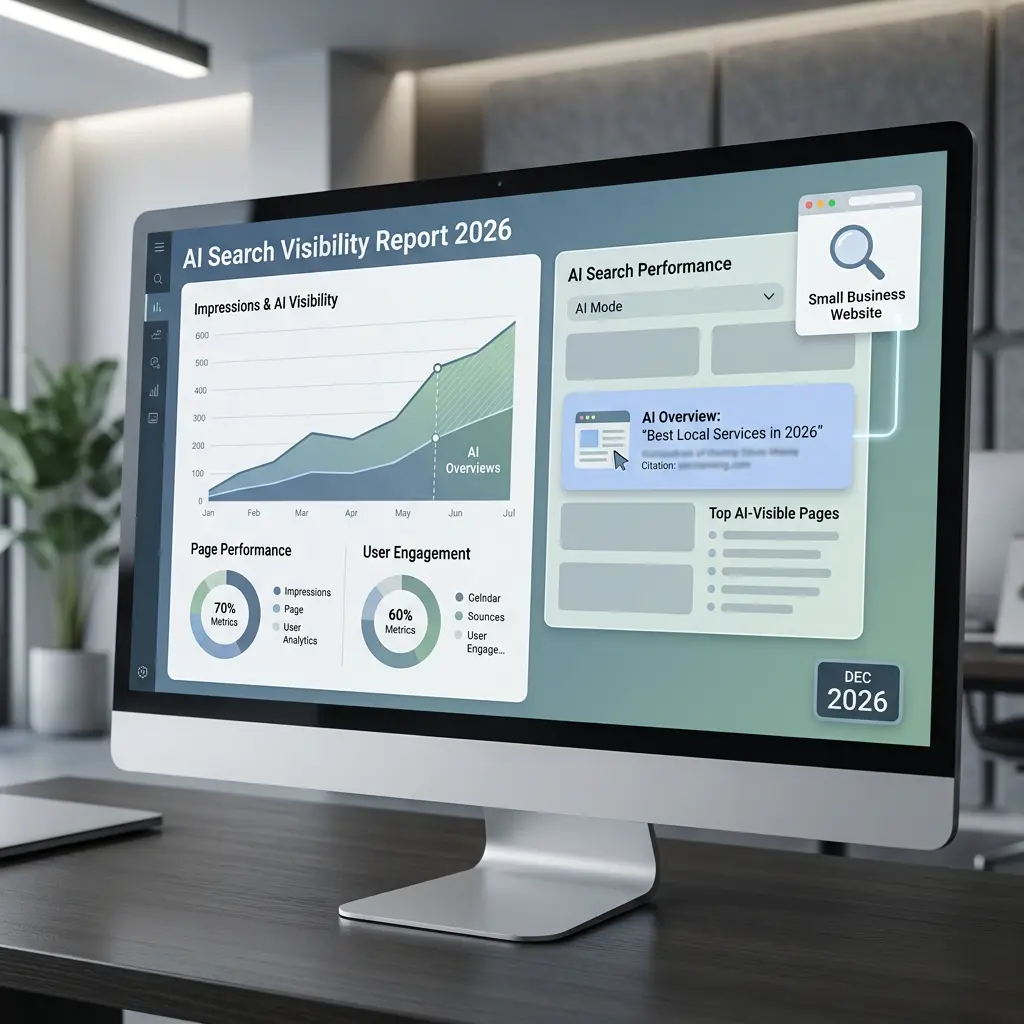
If you run a small business website, there’s a good chance you haven’t checked your Search Console AI reports yet — Google’s new way of showing how your pages perform in AI Overviews and AI Mode — the two features that have been eating into organic clicks all year.
Most of what’s been written about this so far is aimed at large publishers and enterprise SEO teams with six-figure tool budgets. Almost nothing has been written from the perspective of a small business owner just trying to figure out what’s actually in their dashboard, whether it matters, and what to do next. If you want to go beyond a spreadsheet, our roundup of digital marketing tools for beginners covers a few free options worth trying.
This post fills that gap. No jargon, no theory — just what the report actually shows and how to use it.
What Are the New Search Console AI Reports?
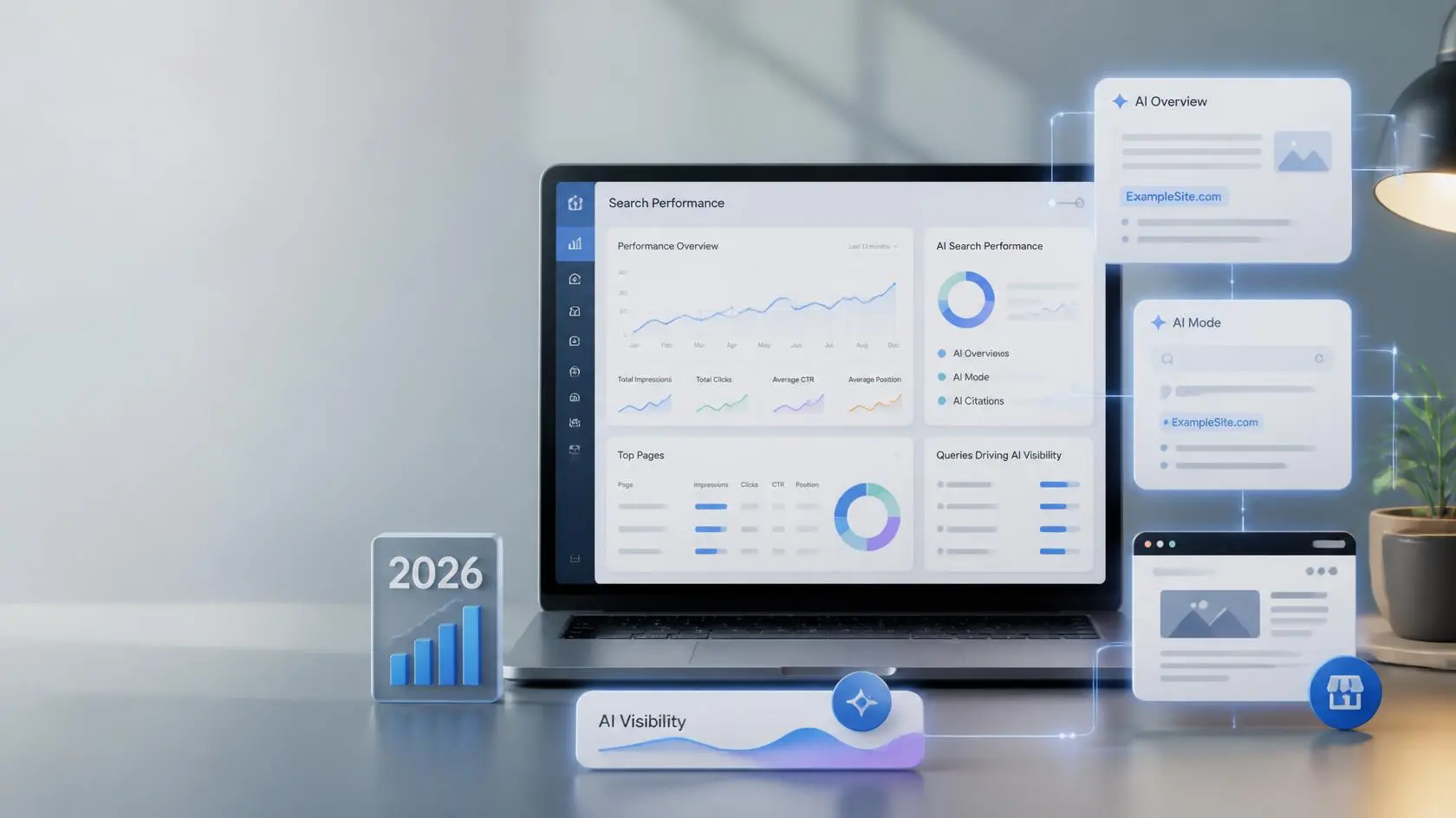
Google began rolling out generative AI performance reporting inside Search Console earlier this summer. The goal is straightforward: give site owners visibility into how their pages perform when Google’s AI Overviews or AI Mode pull from their content, since this visibility was previously unavailable in standard search reports. Google announced the rollout on its Search Central Blog.
Before this Generative AI performance report, Search Console did not provide a separate view specifically for generative AI visibility. Google says the new report gives site owners a dedicated view of impressions from AI Overviews and AI Mode, while this data continues to be included in the overall Search performance reporting. Full technical details are available in Google’s Search Console Help documentation.
A few things worth knowing upfront:
- The rollout is limited. Not every site has access yet, and Google hasn’t announced a firm timeline for full availability.
- It sits alongside your existing Search Console data — it isn’t a replacement.
- The Generative AI performance report focuses on generative AI impressions. Clicks from links shown in AI Overviews and AI Mode are still counted under Search Console’s normal click methodology.
How to Check If You Have Access
If you want to see whether your site has this reporting available:
-
Log into Google Search Console and select your website property.
-
Open the Performance area and look for the Generative AI performance report.
-
If the report isn’t available, don’t assume something is wrong. Google is currently rolling it out to a subset of websites. Google also says the report may not appear if a site hasn’t received enough impressions from generative AI features.
-
If nothing shows up, don’t panic — continue monitoring your regular Search performance data instead. A change in impressions, clicks, or CTR can be worth investigating, but don’t assume AI Overviews or AI Mode are responsible without evidence from the dedicated report. Search Engine Land has been tracking the rollout closely if you want to follow along.
What the Data Actually Shows
Once access is available, the report generally breaks down into a few useful layers:
- How many generative AI impressions your site receives
- Which pages receive the most AI impressions
- Which countries generate those impressions
- Which devices generate those impressions
- How AI impressions change over time
The most useful exercise for a small site isn’t staring at the raw numbers — it’s comparing them side by side with your regular Performance report for the same date range. Two patterns tend to show up:
- High generative AI impressions on a page, with no click data available to compare against yet. As of now, the report only shows impressions — broken down by page, country, device, and date — and doesn’t include clicks or query data at all. Google has said it plans to add more metrics over time, but for now, a page with strong AI impressions simply tells you it’s being surfaced inside AI Overviews or AI Mode. Whether that’s translating into visits is something you’ll have to infer from your regular Performance report until click data arrives.
- Pages ranking well in classic search but barely appearing in AI results at all. This is often the bigger opportunity. It usually points to a structural issue — content that’s accurate but not formatted in a way that’s easy for an AI system to lift and summarize cleanly.
If you’re working with an SEO partner or in-house team, this comparison should become part of your regular reporting, not a one-time check.
What Small Businesses Should Actually Do With This Data
Numbers alone don’t move the needle — what you do with them does. Here’s a practical starting point:
1. Find pages with strong AI impressions but weak clicks, and strengthen the direct answer. If a page is showing up in AI-generated summaries but nobody’s clicking through, look at how the first 100–150 words answer the core question. Tighten it. Add a clear, standalone sentence that answers the query directly before going into detail — that’s often the exact passage AI systems pull from.
2. Cross-check against your FAQ and schema-marked pages. Review the pages receiving AI impressions and compare their structure, headings, direct answers, internal links, and topical coverage with pages that aren’t receiving AI impressions. Look for patterns rather than assuming that one specific markup type causes AI visibility.
3. Track trends monthly, not weekly. Because this reporting is new and Google continues to develop its AI search features, avoid making major SEO decisions based on a single week’s data. Compare at least several weeks of data and look for consistent patterns before changing your content strategy.
4. Don’t chase this report at the expense of the fundamentals. Fast-loading pages, clear headings, mobile usability, and genuinely useful content are still what earn both regular rankings and AI citations. This report is a diagnostic tool, not a new ranking factor to obsess over on its own. If you’re not sure where your technical foundation stands, our technical SEO checklist is a good place to start.
How Small Websites Should Track AI Search Performance
One of the biggest mistakes small website owners can make is checking the Generative AI performance report once and immediately changing their SEO strategy. The report is much more useful when you treat it as a trend-tracking tool rather than a simple pass-or-fail test.
Start by choosing a consistent reporting period. A monthly comparison is usually easier to understand than checking the numbers every few days. Record your total generative AI impressions, the pages receiving those impressions, and any noticeable changes in countries or devices.
You should also compare those numbers with your regular Search Console Performance data. Look at total search impressions, clicks, click-through rate, and the pages generating the most traditional search traffic during the same period.
Create a Simple Monthly SEO Snapshot
You don’t need an expensive SEO platform to do this. A basic spreadsheet can be enough.
For each month, record:
- Generative AI impressions
- Top pages receiving AI impressions
- Total Google Search impressions
- Total Google Search clicks
- Overall click-through rate
- Top-performing pages
- Main countries generating traffic
- Mobile versus desktop performance
After three or four reporting periods, you may begin to see patterns that aren’t obvious from looking at one day’s numbers.
For example, one page might consistently receive generative AI impressions even though it isn’t your biggest traffic generator in traditional search. That could indicate that the page is gaining visibility in a different type of search experience.
Another page might generate thousands of traditional search impressions but receive very little generative AI visibility. That doesn’t automatically mean the page has a problem. Instead, it gives you a reason to examine the page more closely and compare its topic, structure, search intent, and content depth with pages that are appearing in AI search.
Don’t Treat AI Impressions as Guaranteed Traffic
It’s important to understand what an impression means.
An AI impression does not automatically mean that someone visited your website. It indicates that your content received visibility within Google’s generative AI search experience according to Search Console’s reporting methodology.
That distinction matters for small businesses.
If your website receives more AI impressions but your organic clicks remain unchanged, don’t immediately assume that your SEO is getting worse. AI search is still evolving, and users may interact with search results differently depending on the query and the information presented.
Instead, use the data as one additional signal alongside rankings, organic clicks, conversions, and other business metrics.
Look for Pages Worth Improving
The most useful question isn’t simply:
How many AI impressions did I get?
Ask:
Which pages are receiving AI visibility, and what can I learn from them?
Look at the pages generating impressions and compare them with pages that aren’t appearing as often. Check whether the successful pages have clear headings, direct answers, useful examples, original information, strong internal links, and content that closely matches the searcher’s intent.
Don’t assume that one formatting technique is responsible. Look for several characteristics that successful pages have in common.
You can then use those observations to improve existing content and guide future articles.
Keep Traditional SEO at the Center
The arrival of generative AI reports doesn’t mean small websites should abandon traditional SEO.
Google continues to emphasize useful, reliable, people-first content and the same fundamental search practices that have always mattered. Technical accessibility, crawlability, clear site structure, helpful content, and a good page experience remain important.
Think of the Generative AI performance report as an additional measurement layer.
Your goal isn’t simply to appear in an AI-generated answer. Your goal is to build a website that deserves to be discovered, understood, cited, and visited—whether the user finds it through a traditional search result, an AI Overview, or another search experience.
For a small business website, that approach is much more sustainable than chasing every new AI-search trend. If you’re looking to build out your AI-search toolkit further, we’ve also covered the best AI marketing tools for 2026.
Frequently Asked Questions
Is the Generative AI performance report available to every Search Console account?
No. Google is currently rolling the Generative AI performance report out to a subset of website owners. Google also says the report may not appear if a site hasn’t received enough impressions from generative AI features.
Does this report replace my regular Search Console Performance report?
No. It’s designed to sit alongside your existing data, giving extra visibility into AI-specific surfaces rather than replacing standard search reporting.
What does Google’s Generative AI performance report measure?
The Search report measures impressions from generative AI features, including AI Overviews and AI Mode. You can analyze the data by pages, countries, dates, and devices.
Does a click from an AI Overview count as a click in Search Console?
Yes. Google says that clicking a link to an external page in an AI Overview counts as a click. The same applies to links clicked in AI Mode.
How often is the data updated?
Like most Search Console data, expect a short reporting delay rather than real-time numbers. Treat it the same way you would standard Performance data — useful for trends, not instant feedback.
Do I need to change my content strategy because of this report?
Not drastically. Use it to identify where clear, well-structured answers are missing, but keep prioritizing content that genuinely helps your audience — that’s what performs well in both classic and AI search.
The Bottom Line
This new reporting layer is still early, still limited, and still a little rough around the edges — but it’s the first real window small sites have had into how AI search features are using their content. If you have access, spend twenty minutes comparing it against your regular Performance data before making any changes. If you don’t have access yet, keep watching your impressions-versus-clicks pattern in the meantime; it’s telling you a version of the same story.
Want to understand what your Search Console data means for your SEO strategy? Get a free SEO audit from Marketing Glob Hub, and we’ll help you identify the pages and technical issues worth prioritizing.