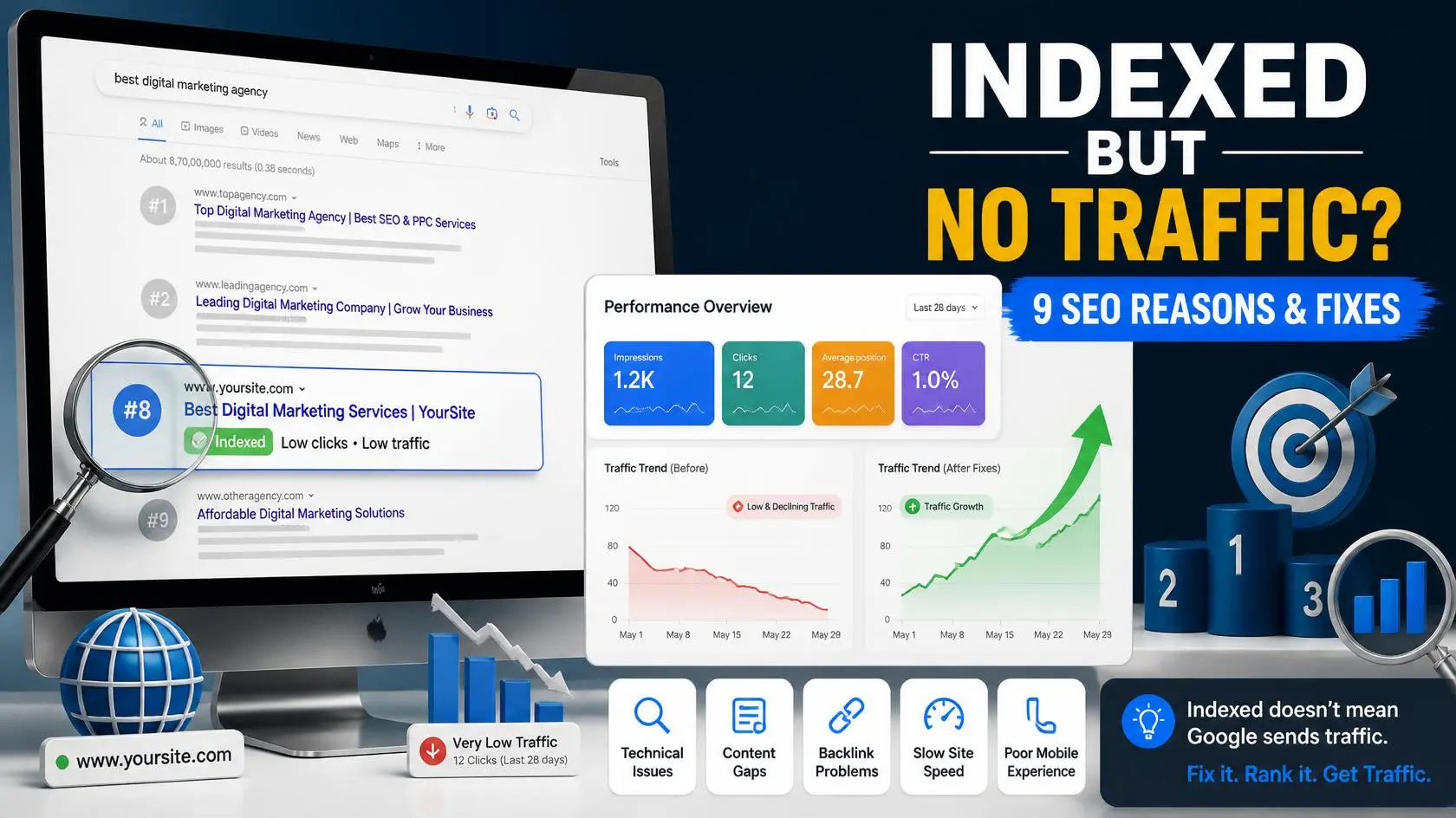
If your website is indexed but not getting traffic, indexing itself isn’t the problem. Google has discovered and stored your page, but that doesn’t guarantee high rankings, impressions, or clicks.
An indexed page can still receive little or no organic traffic if it targets a keyword with low search demand, faces strong competition, doesn’t match search intent, has weak content, or lacks enough internal and external links.
The good news is that you can usually identify the problem by looking at your Google Search Console data. In this guide, you’ll learn the 9 most common reasons an indexed website isn’t getting traffic and the practical SEO fixes you can use to improve its visibility on Google.
Quick Answer
Why is my website indexed but not getting traffic?
If your website is indexed but not getting traffic, the problem is usually not indexing itself. Google may have discovered and stored your page, but it still has to decide where that page belongs in the search results.
A page can be indexed and still receive almost no organic traffic because it ranks too low, targets a keyword with little search demand, faces strong competition, or doesn’t fully match what people are searching for. Weak content, poor internal linking, a low click-through rate (CTR), and limited website authority can also prevent an indexed page from attracting visitors.
The first step is to stop guessing. Open Google Search Console and check your page’s impressions, clicks, average position, and search queries. These numbers can help you identify whether you’re dealing with a keyword, ranking, search-intent, or click-through-rate problem.
1. Your Keyword Has Little Search Demand
One of the most overlooked reasons a website is indexed but not getting traffic is that the target keyword may have very little search demand.
Google can index your page correctly, but if very few people search for that topic, there may simply not be enough potential traffic. This often happens when a page targets an extremely specific keyword without checking its search volume or related search terms first.
Before changing your page, research the keyword using Google Keyword Planner or another reputable keyword research tool, and learn how to find low-competition keywords before choosing your target topic. Check the estimated search volume, related keywords, and the level of competition.
If your primary keyword has extremely low demand, don’t automatically delete the page. Instead, look for closely related keywords with more search demand and realistic competition. You can then expand or adjust the content to naturally cover those searches.
The goal isn’t to choose the keyword with the highest search volume. The goal is to find a keyword with enough search demand, manageable competition, and clear search intent for your website.
2. Your Keyword Is Too Competitive
The opposite problem can happen too: your keyword has decent search demand, but the competition is simply too strong for your website right now.
If the first page of Google is dominated by large, established websites with strong authority, detailed content, and many relevant backlinks, a newer or smaller website may struggle to rank for the same keyword. Your page can be indexed correctly and still receive little or no traffic because it ranks too far down the search results.
Before targeting a keyword, search for it on Google and examine the pages currently ranking on the first page. Look at how closely their content matches the search intent, how comprehensive their answers are, and whether the results are dominated by major brands or highly authoritative websites.
If the competition is too difficult, don’t abandon the topic. Find a more specific long-tail keyword that addresses the same problem but has fewer strong competitors. For example, instead of targeting a broad phrase such as SEO traffic, a newer website could target a phrase like website indexed but not getting traffic.
The goal isn’t to find a keyword with zero competition. It’s to find a keyword where your website has a realistic opportunity to provide a more relevant, useful, and complete answer than the pages currently ranking.
3. The Page Doesn’t Match Search Intent
Even when a keyword has reasonable search demand and manageable competition, your page can struggle if it doesn’t match search intent.
Search intent is the reason behind a person’s Google search. Someone searching for best project management tools for freelancers is usually looking for a comparison or list of several tools, not a page promoting only one product.
Before creating or updating a page, search your target keyword on Google and study the results on the first page. Look at the format that appears most often: list posts, how-to guides, comparisons, product pages, definitions, or another format.
Your goal isn’t to copy the pages already ranking. Instead, understand what searchers expect and create a more useful answer. If Google consistently ranks detailed comparison articles for a query, publishing a short promotional page is unlikely to satisfy the same intent.
Matching search intent can help your page become more relevant to the people searching for your target keyword and can improve its chances of competing in the organic results.
4. The Content Is Thin or Too Generic
Your page can be indexed by Google and still struggle to rank if the content is thin, generic, repetitive, or doesn’t provide enough useful information to satisfy the searcher’s needs.
Simply mentioning the target keyword several times isn’t enough. Your content should answer the main question clearly, cover important subtopics, explain the solution accurately, and provide useful details that help the reader take action.
This doesn’t mean you should add words just to increase the word count. A 1,500-word article isn’t automatically better than a 700-word article. Focus on usefulness instead of length.
Look for ways to add genuine value that competing pages may not provide. You could include a practical example, screenshots, original observations, step-by-step instructions, a useful comparison, a case study, or specific recommendations based on real experience.
If you’re using AI to help create content, give the article a thorough human review before publishing. Check the facts, remove repetitive or generic statements, add your own insights, and make sure the final article actually helps the reader solve the problem.
The goal is not to make content look human. The goal is to make it genuinely useful, accurate, original, and relevant to the searcher’s needs.
5. Your Page Has Weak Internal Links
An indexed page can still struggle to rank if other important pages on your website don’t link to it. These links are called internal links, and they help Google discover the relationships between pages and understand which content is important on your site.
If a page has very few internal links pointing to it, especially from relevant and authoritative pages on your own website, it may be harder for Google to understand its importance within your overall content structure.
Start by finding two to five existing articles on your website that are closely related to the topic. Add natural, relevant links from those articles to the page you’re trying to improve.
For example, if you have an article about SEO keyword research, you could naturally link to this guide when discussing what happens when a website targets the wrong keyword. Similarly, an article about Google Search Console could link here when explaining why an indexed page may still receive little traffic.
Use descriptive anchor text that tells readers what they’ll find after clicking. Avoid repeatedly using the same keyword as your anchor text.
Internal linking won’t instantly move a page to Google’s first position, but a well-connected site structure can help search engines discover, understand, and navigate your content more effectively.
6. Your Page Doesn’t Have Enough Backlinks
Internal links are important, but external links from other relevant websites can also help establish your site’s authority and credibility.
A page can be indexed and still struggle to rank when competing pages have stronger authority and more relevant backlinks. This is particularly important for competitive keywords where several websites already have high-quality content and established reputations.
You don’t need hundreds of backlinks to start improving your SEO. Focus on earning relevant, genuine backlinks from websites that are related to your topic and have a real audience.
Some legitimate ways to earn backlinks include creating original research, publishing useful resources, contributing expert insights to relevant publications, building relationships with websites in your industry, and promoting content that other site owners may naturally want to reference.
Avoid buying large quantities of low-quality backlinks or using automated link schemes. A smaller number of relevant, trustworthy links can be more valuable than a large collection of unrelated links.
If your page is already ranking somewhere on the second or third page of Google, earning relevant backlinks alongside improving the content and internal linking can help strengthen its ability to compete.
7. Your Title Doesn’t Earn the Click
Sometimes a page can appear in Google’s search results but still receive very little traffic because searchers aren’t clicking the result. This is where your click-through rate (CTR) and search-result title become important.
If your page is already receiving impressions but few clicks, compare your title with the other results appearing for the same query. A vague, generic, or unclear title can make your result less appealing, even when the page itself is useful.
Your SEO title should clearly communicate what the page offers and naturally include the main topic or keyword. Instead of writing a title that simply describes the subject, give the searcher a specific reason to choose your result.
For example, instead of:
Website Traffic Problems
a more specific title would be:
Website Indexed but Not Getting Traffic? 9 Reasons & Fixes
You can also improve the meta description by clearly explaining what the reader will learn. However, remember that Google may generate or modify the search snippet depending on the search query.
The best way to identify a CTR problem is to check Google Search Console. If your page has significant impressions but a low number of clicks, testing a clearer and more compelling title may be worthwhile.
8. Poor Technical Performance or Mobile Experience
A page can be indexed by Google but still provide a poor experience if it loads slowly or doesn’t work properly on mobile devices.
Page speed and mobile usability are important because visitors expect pages to load quickly and work smoothly across different screen sizes. A slow page can also make it harder for users to read your content, navigate the site, or complete an action.
Start by testing the page with Google PageSpeed Insights. Check both the mobile and desktop results, and pay particular attention to issues affecting loading performance and Core Web Vitals.
Common improvements include compressing large images, using modern image formats, reducing unnecessary scripts and plugins, enabling effective caching, and removing resources that aren’t needed.
Also, open the page on your own phone. Check whether the text is easy to read, buttons are usable, images fit the screen, and the page loads without obvious delays.
Don’t assume that improving page speed alone will make an indexed page rank on page one. Think of technical performance as part of the overall SEO picture alongside content quality, relevance, internal linking, and authority. For a broader understanding of site performance and optimization, review these technical SEO fundamentals that can help improve your website’s overall search visibility.
9. Your Page Is Too New
Sometimes there isn’t a major SEO problem at all — your page simply hasn’t had enough time to build search visibility.
A newly published page can be indexed quickly but still take time to gain stable rankings and consistent organic traffic. Google needs to evaluate the page’s relevance and usefulness, while your site may also need time to build authority and accumulate search data.
Instead of judging a new article after only a few days, monitor its performance in Google Search Console over several weeks. Pay attention to impressions, average position, clicks, and the search queries that begin appearing. You can also learn more about how long SEO takes to work and why new pages often need time before they begin generating consistent organic traffic.
If impressions are gradually increasing and your average position is improving, that’s a positive sign even if clicks are still low. You may not need to make major changes yet.
There isn’t a guaranteed number of days after which every page should rank. The timeline can vary depending on the topic, competition, website authority, content quality, and many other factors.
Give a new page time to collect meaningful data, but don’t use “it’s new” as an excuse indefinitely. If performance remains weak after you’ve collected enough data, return to your keyword targeting, search intent, content quality, internal links, and authority.
How to Find Out Why Your Indexed Page Gets No Traffic
Instead of guessing why your indexed page isn’t getting traffic, use Google Search Console to identify where the problem is.
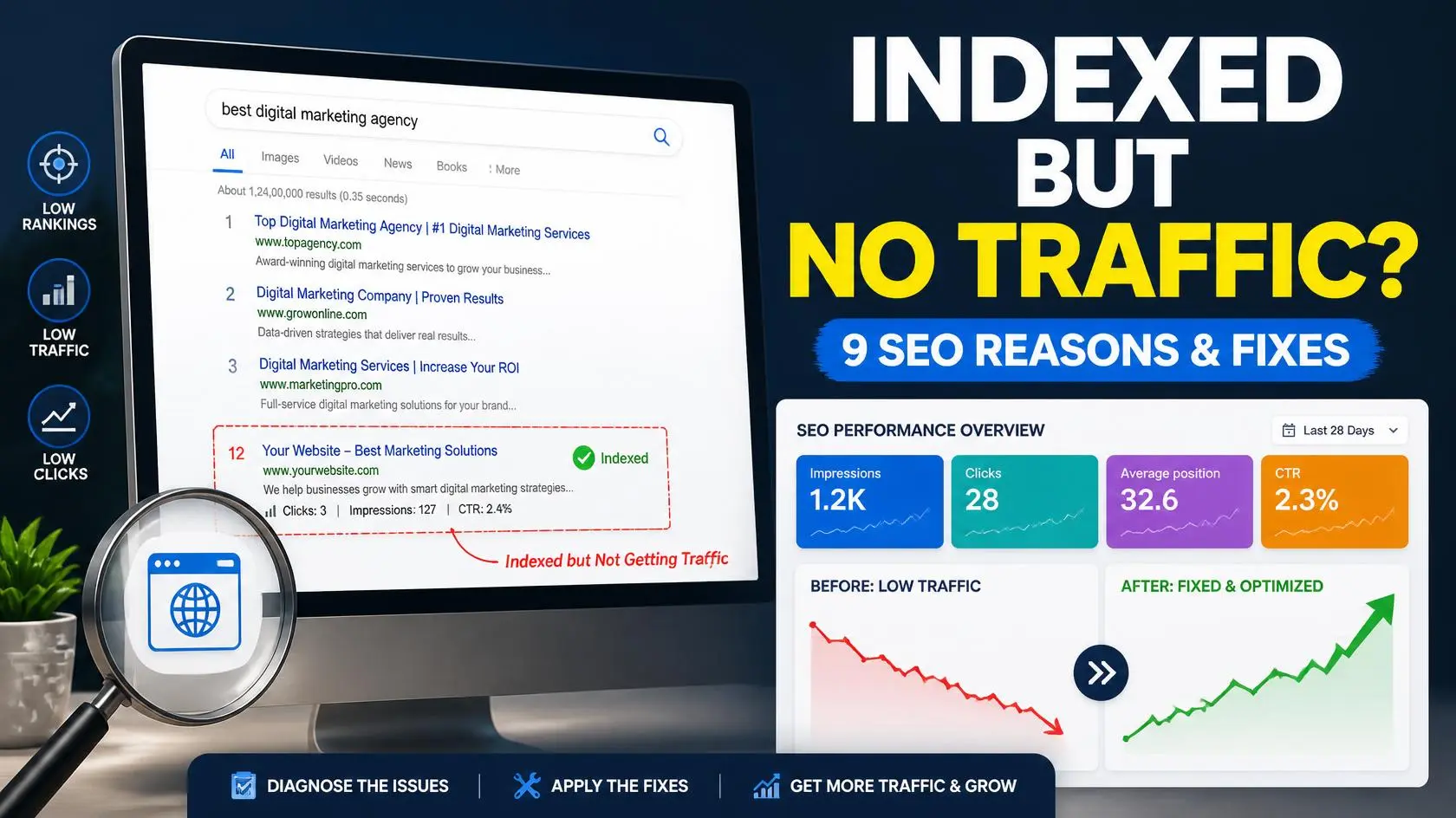
Step 1: Check your impressions
Open Google Search Console → Performance → Search results and select the page you want to investigate.
If the page has very few or almost no impressions, check your keyword targeting, search demand, competition, and whether Google considers the page relevant enough for the queries you’re targeting.
Step 2: Check your average position
Look at the page’s average position and the queries bringing impressions.
If you’re consistently ranking around positions 11–30, your page may have an opportunity to improve with better content, stronger internal linking, clearer search-intent alignment, and relevant authority signals.
If you’re far below the first page, review the keyword competition and whether your content genuinely satisfies the query better than the current results.
Step 3: Check your clicks and CTR
If the page is receiving impressions but very few clicks, examine your search-result title and snippet.
A page appearing in search results doesn’t automatically mean people will click it. Compare your title with competing results and make sure it clearly communicates the value of your page.
Step 4: Check the queries
Look at the actual search queries generating impressions.
You may discover that Google is already showing your page for related keywords you didn’t originally target. These queries can reveal opportunities to improve sections of your article and answer related questions more completely.
Step 5: Check your internal links
Make sure relevant pages on your website link to the article. Add natural internal links from related content using descriptive anchor text.
Step 6: Improve the page based on the evidence
Once you’ve identified the problem, make targeted changes instead of completely rewriting the article.
For example:
- Very low impressions: review keyword demand and competition.
- Impressions but low rankings: improve relevance, content quality, and internal linking.
- Good impressions but low CTR: improve the title and search snippet.
- Ranking around positions 11–30: strengthen the page and its internal links.
- New page with very little data: give it more time before making major changes.
The key is to use Search Console data to diagnose the problem rather than making random SEO changes.
Frequently Asked Questions
If Search Console says my page is indexed, will it eventually rank?
Not necessarily. Indexing means Google has discovered and stored the page, but it doesn’t guarantee a particular ranking. Your position can depend on relevance, search intent, content quality, competition, internal linking, website authority, and other SEO factors.
Why is my indexed page getting no impressions?
Very low impressions can happen when the keyword has little search demand, the page isn’t ranking well for relevant queries, the topic is highly competitive, or Google hasn’t yet established strong visibility for the page. Check your queries and average position in Google Search Console to identify the likely cause.
Why is my website getting impressions but no clicks?
If your page receives impressions but very few clicks, check your average position and click-through rate (CTR). If you’re ranking but searchers aren’t choosing your result, your title and search snippet may need improvement. Also make sure the page matches the intent behind the searches generating impressions.
How long does it take for a new page to get Google traffic?
There is no guaranteed timeline. Some pages begin receiving impressions quickly, while others take considerably longer. The topic, competition, website authority, content quality, and search intent can all affect how quickly a page gains visibility. Monitor impressions, queries, position, and clicks in Search Console rather than relying on a fixed number of days.
Can a new website rank on Google without backlinks?
Yes, a new website can rank for some searches without having a large backlink profile, particularly when targeting less competitive topics. However, backlinks can contribute to a site’s authority and may become more important as you compete for more difficult keywords.
How can I improve an indexed page that isn’t getting traffic?
Start by checking Google Search Console for impressions, queries, average position, and CTR. Then review the keyword’s search demand and competition, improve the content to satisfy search intent, strengthen relevant internal links, improve the title and snippet when appropriate, and address technical or mobile usability issues.
Final Takeaway
If your website is indexed but not getting traffic, don’t assume that indexing has failed. Indexing only means Google has discovered and stored your page; the next challenge is earning visibility and clicks in the search results.
Start by checking Google Search Console for impressions, queries, average position, and CTR. Then work through the likely causes: keyword demand, competition, search intent, content quality, internal links, backlinks, title optimization, technical performance, and the age of the page.
Most importantly, don’t make random SEO changes. Use the data from Search Console to identify the actual problem, make targeted improvements, and give the page enough time to collect meaningful performance data.
If you’ve gone through all nine and you’re still not sure what’s holding a page back, it’s usually more than one of these stacked together. Get a free SEO audit, and we’ll tell you exactly which ones apply to you — or book a free consultation and we’ll walk through it live.