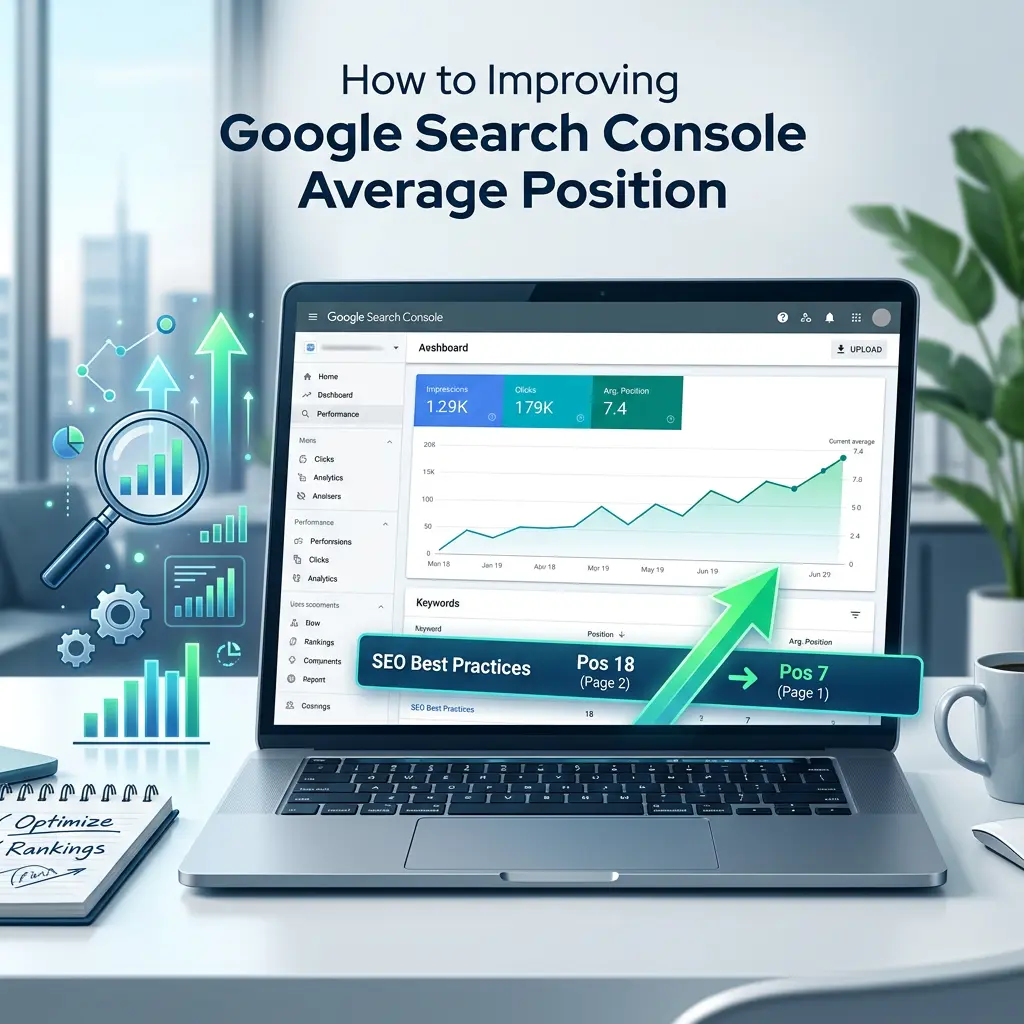
If you want to improve average position in Google Search Console, you first need to understand what the number actually means. If you open Google Search Console and see your average position sitting at 22, 35, or worse, your first instinct is probably panic. Then confusion. Then a Google search that brought you here.
Good news: average position is one of the most misunderstood numbers in SEO, and once you understand what it’s actually telling you, improving it becomes a lot less mysterious. This guide walks through what the metric means, why it moves the way it does, and what to actually do about it in 2026 — without the recycled advice you’ve probably already read three times today.
What Does Average Position Actually Mean in Search Console?
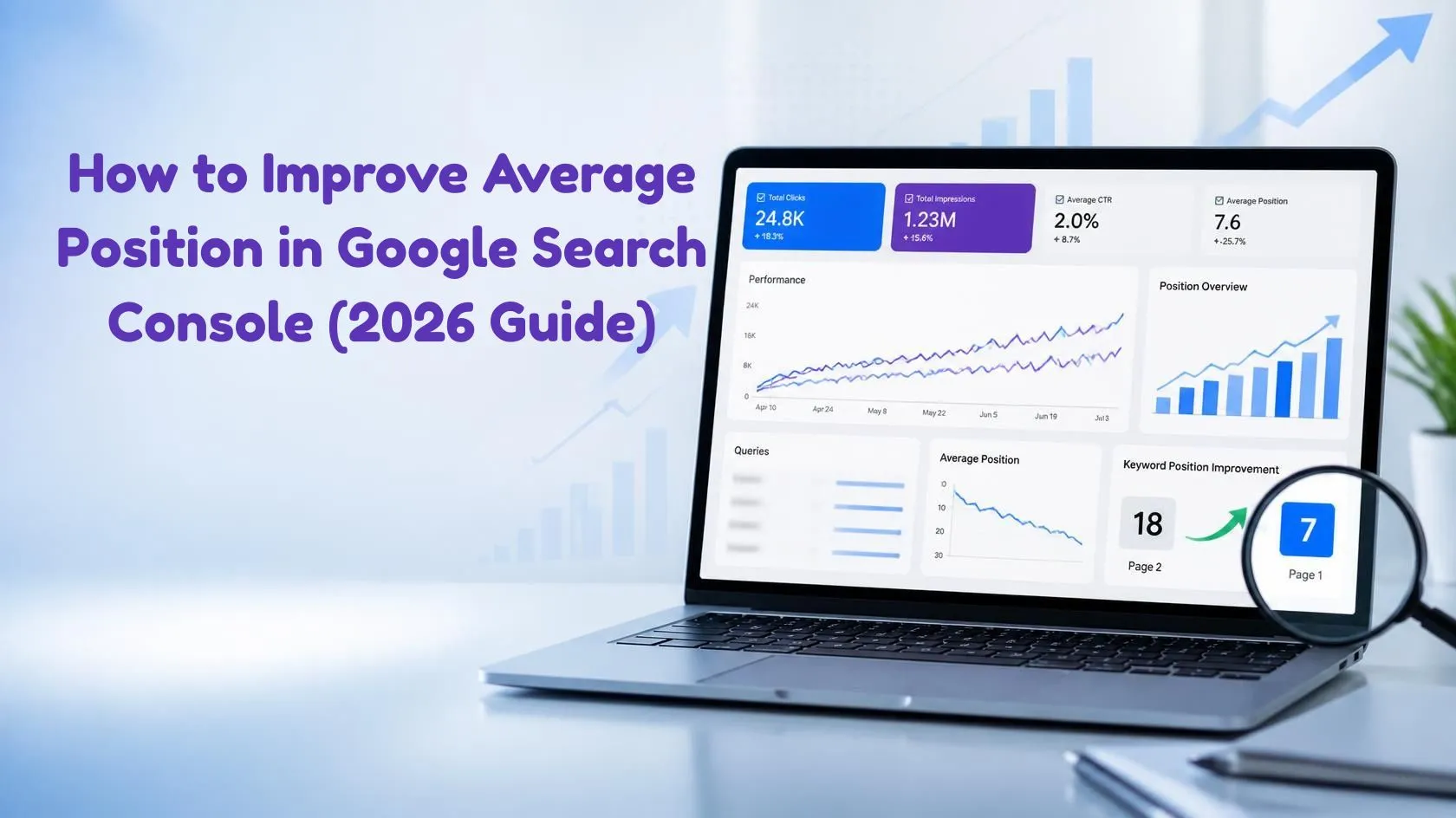
Average position in Google Search Console represents the average position of your site’s topmost result when it was shown in Google Search. Because the same page can rank differently for different queries, devices, locations, and searches, the metric should be treated as an aggregated visibility signal rather than a fixed ranking.. It doesn’t mean your page has one fixed ranking. Your position can vary by query, device, location, search features, and other factors. For a detailed explanation of how impressions, clicks, and average position are calculated, you can review Google’s official Search Console Performance report documentation.
A few quirks worth knowing before you obsess over the number:
- Impressions, not clicks, are used in the calculation. High-impression queries can have a greater effect on the overall average than queries with very few impressions.
- Search Console records the topmost position of your property for each impression, which is why average position shouldn’t be interpreted as the ranking of one specific URL for every search.
- Search results can include features such as AI Overviews, People Also Ask boxes, and video results, which can affect how visibility and positions appear in Search Console. This is one reason average position should not be treated as a fixed blue-link ranking.
- It’s calculated separately depending on whether you’re filtering by site, page, query, or query-plus-page, and each of those views tells a slightly different story.
Why a Low Average Position Isn’t Always a Real Problem (and a Good One Isn’t Always a Win)
Here’s the part most articles skip: average position on its own doesn’t tell you whether your SEO is working.
- A page can look great on average because of one lucky, low-effort keyword, while everything else it targets sits buried on page three.
- A page can rank beautifully and still get almost no clicks if an AI Overview or featured snippet already answers the question above it. If you’re seeing strong rankings but weaker organic traffic, our guide to AI Overviews and traffic drops explains how changing search features can affect clicks.
- Results vary by device, region, and even by the individual searcher, thanks to personalization — so two people can see the same query rank differently on the same day.
The practical takeaway: treat average position as a trend line to watch, not a scoreboard to chase in isolation. Read it next to clicks, impressions, and click-through rate before deciding anything is actually broken. If your impressions are increasing but clicks aren’t keeping pace, see our guide to Impressions Up, Clicks Flat? 7 GSC Fixes for 2026 for a deeper look at CTR, search intent, average position, and SERP features.
How to Improve Average Position in Google Search Console: 8 Proven Strategies
1. Find your page-two opportunities first
Pages sitting just outside the top ten are usually your fastest wins — they already have visibility, just not enough of it yet.
If your pages are indexed but still receiving very little search traffic, see our guide on why an indexed website may not be getting traffic before creating new content.
How to find page-two opportunities in GSC:
- Open Google Search Console.
- Go to Performance → Search results.
- Select a 3-month date range.
- Turn on Clicks, Impressions, CTR, and Average position.
- Open the Queries tab.
- Sort by Impressions.
- Look for queries with an average position between 11 and 20.
- Open the query and check which page Google is ranking.
- Improve that specific page instead of creating another article.
2. Match the content to what’s actually ranking
Before touching a word of copy, look at what’s currently occupying the top five spots for your target query. If they’re all listicles and your page is a single long-form guide, that mismatch alone could be capping your position — regardless of how well-written your content is.
3. Strengthen important pages with relevant internal links
Add contextual internal links from related pages to the page you want to strengthen. Use descriptive anchor text and make sure important pages are easy for both users and search engines to discover.
4. Add first-hand experience and original evidence
Don’t simply repeat Google’s documentation or other SEO blogs. Show readers what you actually found while working with Search Console. Include screenshots, examples from real pages, before-and-after observations, original analysis, or a walkthrough of your own optimization process. Original experience and human review are especially important when using AI during the content process. See our guide on whether Google penalizes AI content in 2026 for a detailed explanation of what actually matters.
5. Clean up the technical basics
No amount of content polish fixes a page that loads slowly, breaks on mobile, or sits behind a redirect chain. Run through:
- Core Web Vitals (loading speed, interactivity, visual stability)
- Mobile rendering and tap-target sizing
- Broken internal links and redirect loops
- Duplicate or near-duplicate pages competing against each other
- Structured data errors flagged in Search Console
6. Consolidate overlapping pages when they serve the same intent
Don’t merge pages simply because their keywords are similar. Consider consolidation when multiple URLs target essentially the same search intent, provide overlapping information, and compete for the same queries.
7. Target queries where your page already has search visibility
Look for relevant queries where your page already receives impressions but ranks outside the strongest positions. Prioritize queries with meaningful impressions, relevant search intent, and realistic ranking potential.
8. Make important answers easy to extract and understand
Give readers a direct answer to the main question near the beginning of each important section. Use concise definitions, short paragraphs, descriptive headings, numbered steps, tables, and bullet points where appropriate.
This kind of clear, extractable structure can also help your content perform across AI answer engines. For a practical checklist, see How to Get Cited by ChatGPT and Perplexity. This makes your content easier for users to scan and helps search engines understand the purpose of each section.
A Real Google Search Console Example
For example:
Imagine your page has:
- 8,400 impressions
- 96 clicks
- 1.1% CTR
- Average position: 14.8
Don’t immediately rewrite the entire article.
First, open the Queries report and identify which queries generate the most impressions. If several relevant queries are ranking between positions 11 and 20, optimize the existing page for those topics.
Things That Won’t Automatically Improve Average Position
- Don’t stuff the focus keyword.
- Don’t rewrite every page simply because its average position is high.
- Don’t create dozens of pages targeting tiny keyword variations.
- Don’t buy low-quality backlinks.
- Don’t obsess over a single day’s position.
- Don’t assume position 10 means the same thing for every search feature.
- Don’t change URLs unnecessarily.
- Don’t add keywords just to satisfy an SEO plugin’s score.
Avoid creating large numbers of near-duplicate pages just to target small keyword variations. Google’s spam policies warn against producing content primarily to manipulate search rankings rather than provide useful information to users.
How to Track Whether It’s Actually Working
To consistently improve average position in Google Search Console, focus on pages that already have impressions and rankings close to page one. Improving search intent, internal linking, content quality, and technical SEO together can gradually increase your visibility.
- Break results down by page and query, not just the site-wide average, which hides more than it reveals.
- Watch impressions and clicks alongside position. Position improving with flat clicks usually points to a title or snippet problem, not a ranking problem.
- Give changes at least a month before judging them — Google’s re-crawling and re-ranking isn’t instant.
- Segment by device and country if you’re targeting more than one market, since a single blended average can hide big regional swings.Google Search Console now also provides additional visibility into generative AI search performance. For a closer look at what small websites can actually see, read our guide to Search Console AI Reports in 2026.
The Bottom Line
Learning how to improve average position in Google Search Console is not about chasing a single number. Average position is a compass, not a finish line. Use it to spot where attention is worth spending, but let clicks, impressions, and real conversions decide whether the work is paying off. Fix the technical basics, close the intent gap, prove real expertise on the page, and go after the long-tail queries you’re already halfway ranking for — the average position number tends to sort itself out from there.
Want a second set of eyes on your Search Console data? Get a free SEO audit from Marketing Glob Hub.