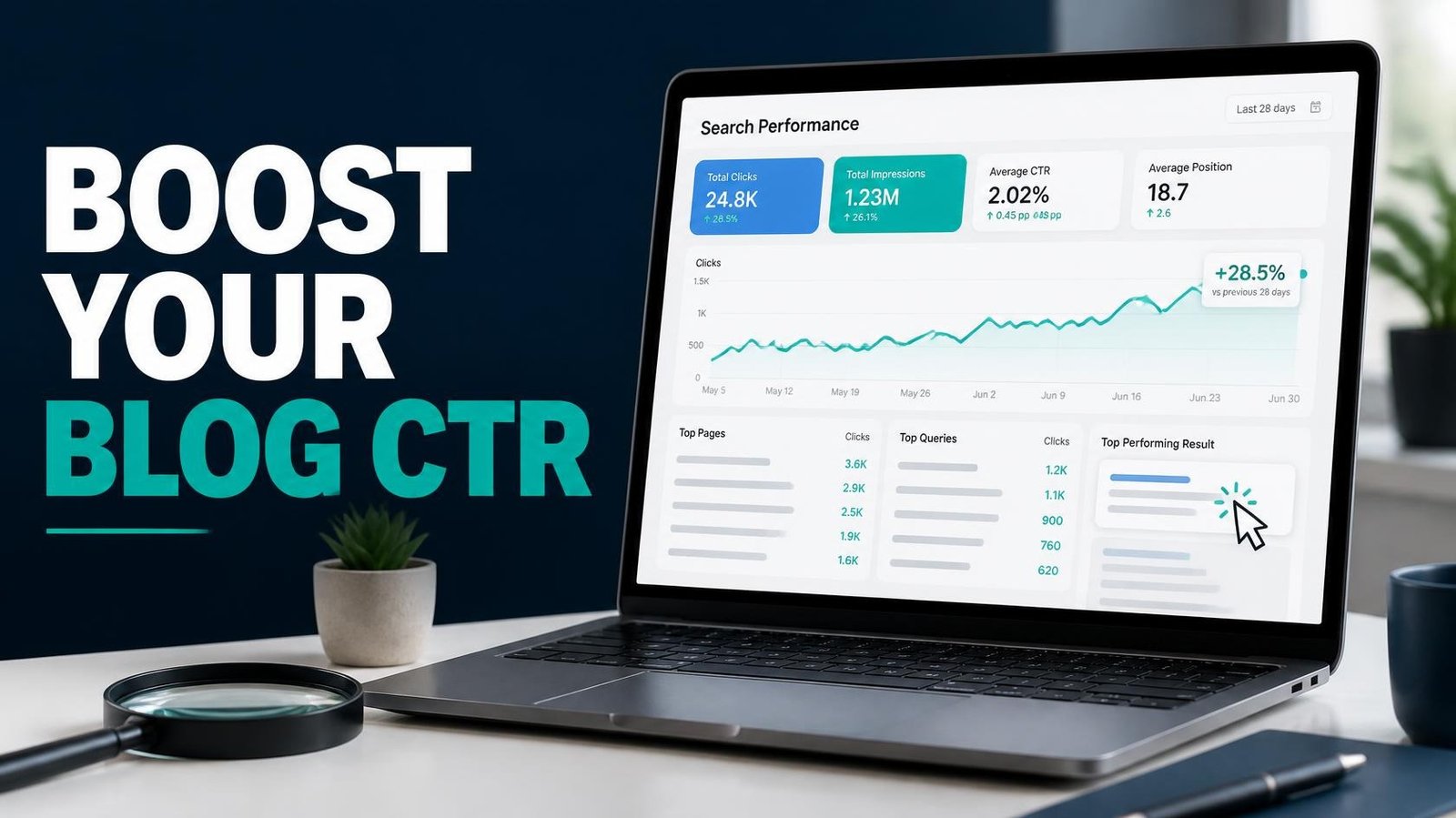
Want to improve your blog’s click-through rate in Google Search? Lots of impressions but few clicks usually mean your listing isn’t doing its job. Your page shows up, but searchers scroll past it. Improving your blog’s click-through rate (CTR) is one of the quickest ways to get more traffic from rankings you’ve already earned, and often it only takes a better title or snippet instead of a full rewrite.
Search has also changed. AI Overviews, featured snippets, video carousels, and People also ask boxes all compete for the same attention your blue link used to get alone. A listing that blends in gets skipped. Below are 12 practical ways to improve your blog’s click-through rate in Google Search.
1. Find Pages With High Impressions and Low CTR
Before you rewrite anything, find out which pages actually need help. Click-through rate (CTR) is the percentage of impressions that turn into clicks.
CTR = (Clicks ÷ Impressions) × 100
A page with 5,000 impressions and 100 clicks has a 2% CTR. That number isn’t good or bad on its own, so judge it alongside the page’s average position, its queries, the device type, and the search features competing for attention.
Open Google Search Console, go to Performance, and check the Pages tab. Look for pages with plenty of impressions but few clicks for their average position. Compare the same queries and devices before deciding whether the title or snippet needs work. Low impressions usually point to a visibility or demand problem, while low CTR can come from search intent or competing search features.
If your impressions are growing but clicks remain low, read our guide on why impressions increase while clicks stay flat to understand what your Search Console data may be telling you. Write down your top ten candidates. Work on them one at a time so you can tell what actually helped.
Example: Finding a Blog Post With a Low CTR
Suppose one of your articles receives 4,000 impressions and 40 clicks in Google Search Console. Its CTR is 1%.
Before changing the title, review the queries generating those impressions and check the page’s average position. If the queries are relevant but the title is vague, test a clearer title that better matches what searchers want.
Record the original title, CTR, impressions, average position, and date of the change. Review the results after collecting enough new data. This helps you evaluate whether the change coincided with an improvement without assuming that the title alone caused it.
2. Write Titles That Earn the Click
Your title tag is your biggest lever. Many bloggers write titles that read like a keyword list: Blog CTR, Improve CTR, Google Search CTR Tips. Nobody clicks that.
Try reading your title out loud as if a friend asked you a question. Does it answer something? A title like Why Your Blog Gets Impressions but No Clicks speaks to a real frustration. It also uses the same words people type into Google.
Put your main topic where it reads naturally, keep the title concise, and make sure it matches what the page delivers. No fixed length guarantees full display, because Google may shorten or rewrite titles depending on the device and query.
Title rewriting. Google sometimes replaces your title with its own version. Making your title tag and H1 say almost the same thing may make that less likely, though Google makes the final decision. After publishing, search for your page and check how the title really appears. For more guidance, read Google’s documentation on title links to learn how Google generates titles for search results.
Pixel width. Google cuts titles by pixel width, not by number of characters. A title with wide letters like W and M gets cut sooner. Use a free SERP preview tool to check, and keep the most important words at the start.
3. Use Numbers and Specifics
Vague titles are easy to ignore. Specific ones feel like a smaller commitment. 12 Ways to Improve Your Blog’s CTR tells the reader exactly what they’re getting and roughly how long it will take.
Specifics can also be a timeframe (in 30 minutes), an audience (for small blogs), or a result (from 1% to 4%). Only use numbers you can back up. If you claim a result, show the proof somewhere in the post, because readers who feel misled leave fast, and that quietly hurts you over time.
4. Write Meta Descriptions That Sell the Click
Google may use your meta description as the search snippet, or it may pull text from your page that better matches the query. It’s still smart to write your own description, because it gives Google a reliable summary to work with. You can also read Google’s guide to search snippets to understand how Google creates descriptions for search results.
Think of it as a two-sentence pitch. Say what the reader will learn, mention one concrete detail, and give a reason to keep reading. As a rough guide, 140 to 155 characters often displays well, but Google may show something different.
For example: Get more visitors from pages that already rank. Here are 12 practical fixes you can use this week. It’s plain, specific, and doesn’t oversell.
5. Match the Search Intent Exactly
A great title attached to the wrong kind of content will still fail. Before you rewrite anything, search your target phrase and look at what Google shows. Is Google mostly showing step-by-step guides, listicles, product pages, or videos?
If the top results are all step-by-step tutorials and your page is an opinion essay, searchers will pass it by even if you rank. Align your format with what people clearly want, then make the listing reflect it with words like guide, checklist, template, or examples.
Good intent matching improves clicks and also keeps readers on the page after they arrive.
6. Clean Up Your URLs
A URL is a small piece of text, but people do read it, especially on desktop. Compare yourblog.com/p?id=4821 with yourblog.com/improve-blog-ctr. The second one tells you what you’ll find before you click.
Keep slugs short, readable, and lowercase, with words separated by hyphens. Drop dates and filler words such as “the” and “and.” Be careful with older posts, though. Changing a live URL means you need a proper 301 redirect, and it can cause temporary ranking dips. For new posts, get it right from the start. For old ones, only change URLs when the benefit is clear.
7. Add Structured Data for Richer Listings
Schema markup helps Google understand your content and can unlock extra display features. Depending on your content, that might be breadcrumbs, recipe details, review ratings, or video information.
Be careful, though, because Google has cut back on the rich result types it displays. FAQ and how-to rich results, for instance, are now limited or gone for most sites. Don’t add markup just because a plugin offers it. Check Google’s current documentation to see which types are still supported, and validate your markup with the Rich Results Test. When it’s supported and accurate, structured data makes your result take up more room and look more trustworthy.
For a broader understanding of website optimization, explore our technical SEO guide for 2026, which covers important technical improvements for blogs and affiliate websites.
8. Target Featured Snippets and People Also Ask
A featured snippet sits above the regular results, so winning one can change your click numbers dramatically. They usually answer a question in a short, direct block.
Try using the question as a subheading, then give a concise answer of two or three sentences right after it. After that, expand with detail. Lists and short tables also work well for how-to and comparison queries.
Snippets sometimes reduce clicks when the answer is complete in the box, so choose questions where a quick answer makes people want the full explanation.
9. Show Freshness Honestly
Searchers like current information, especially on topics that change often, like SEO. A visible updated date can improve trust, and a year in the title can help for subjects that go stale quickly.
The key word is honesty. Changing the date without improving the article can mislead readers and make your site look less trustworthy. Update the content when you have something useful to add, like corrected information, current examples, or revised steps. Then change the displayed date only if it accurately reflects the update.
10. Use Power Words Carefully
Words like simple, proven, mistakes, checklist, or real examples can add emotional pull to a title. They work because they reduce uncertainty or hint at a payoff.
Stacking too many of them looks like clickbait, though, and clickbait tends to produce clicks followed by instant exits. One strong word is enough. Ask yourself whether the word describes something true about your content. If it does, keep it. If it’s there purely for drama, cut it.
11. Test Your Changes One at a Time
CTR improvements take time to evaluate because impressions, rankings, search demand, and competing results can change. After updating a title or description, collect enough new data before concluding; two to four weeks can be a useful starting point for a page with regular impressions, but low-traffic pages may need longer. In Search Console, compare equivalent periods and review the same queries, devices, and average positions where possible.
Keep a simple spreadsheet with the page, the old title, the new title, the date, and the CTR before and after. After a few rounds, you’ll see what your own audience responds to, which is more useful than any general advice, including this article. Changing several things at once makes the results impossible to read, so resist the urge.
To learn more about analyzing search performance, read our guide to Search Console AI reports and the data small websites can review.
12. Make Your Brand Something People Recognize
This one takes longer, but it pays off. When two results look similar, people lean toward names they know or trust. A consistent voice, a clear site name in your title, and a steady publishing record all build that familiarity.
Add a favicon that stands out at a small size, since it appears next to your result in Google Search. Keep your site name short and memorable. Over time, people start clicking because it’s your blog, not just because the title was good.
A Simple Routine to Improve Your Blog’s Click-Through Rate This Week
If twelve ideas feel like a lot, here is a short routine. Pick three pages from Search Console that rank on page one but have a weak CTR. Check the search intent, rewrite the title and meta description, and make sure the content truly matches the promise. Write down when you made the change, and come back to it in four weeks or so.
Repeat that every few weeks. Even minor gains matter here, because they build on visitors you’re already getting.
Frequently Asked Questions
What Is a Good CTR for a Blog in Google Search?
There is no single good CTR. Older studies reported roughly 28% to 32% for the first organic position, but figures differ between studies, and AI Overviews, snippets, and other features now change the picture. The most reliable benchmark is your own data. In Search Console, open Performance, turn on Average position, and compare the CTR of your pages at similar positions. Pages that sit well below that average are your best candidates for a new title or description.
How Can I Check My Blog’s CTR?
Open Google Search Console, select Performance, and view the Search results report. Enable clicks, impressions, CTR, and average position. Look through the Pages and Queries tabs to find listings worth improving.
Do Meta Descriptions Directly Improve Google Rankings?
Meta descriptions are not a direct ranking factor. Even so, a relevant description can make your page easier to understand at a glance, as long as Google displays it.
How Long Does It Take to See CTR Improvements?
There is no guaranteed timeline. Watch your impressions, clicks, CTR, and average position in the weeks after an update. Pages with fewer impressions may need more time before you can draw a meaningful conclusion.
Can Improving CTR Increase My Google Rankings?
A higher CTR does not guarantee higher rankings. Focus on making your listing relevant and accurate for searchers, while continuing to improve the content and overall SEO of your page.
Final Thoughts
Improving click-through rate isn’t about tricking anyone. It’s about presenting your page clearly and honestly so the right readers recognize it as the answer they need. Start with your best-performing pages, test patiently, and keep your promises once people arrive.
If you take just one action today, open Search Console, find a page with plenty of impressions and few clicks, and rewrite its title. It takes ten minutes, and it might be the easiest traffic gain you get all year.