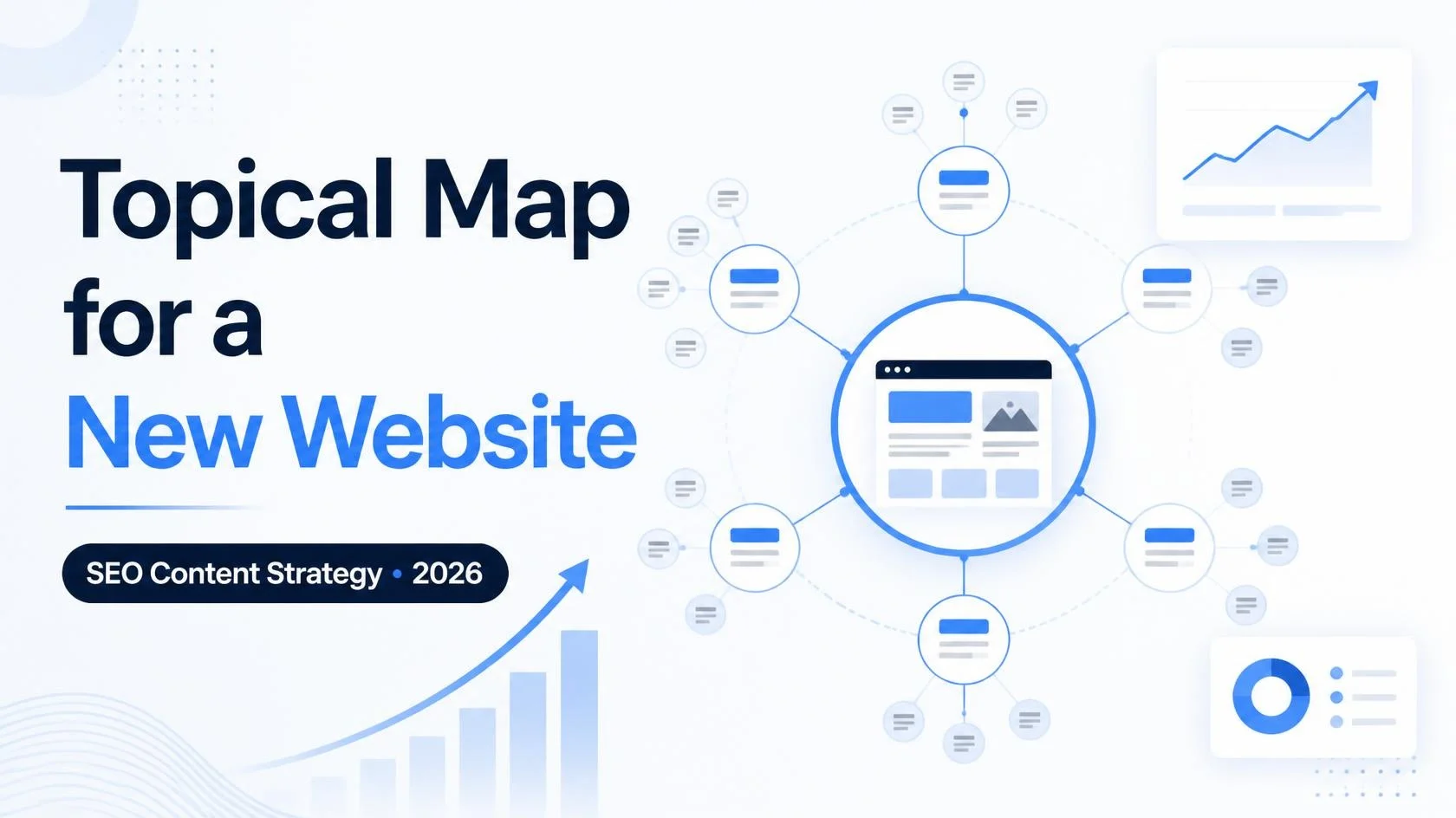
Build a topical map for a new website to create a clear SEO roadmap that shows Google what your website is about, which pages you should publish, and how your content should connect. Instead of writing about random topics, you can use a topical map to organize your core topic, supporting subtopics, target keywords, search intent, and internal links. This approach helps search engines and readers understand your website more clearly while giving you a structured SEO plan to build authority over time.
In this guide, you’ll learn how to build a topical map for a new website, organize keywords into relevant topic clusters, identify content gaps, and connect related articles through internal links. You’ll also see a practical digital marketing example that you can adapt to your own website.
Quick Answer: A topical map is an SEO roadmap that shows Google what your website is about, which pages to publish, and how they connect. This guide walks you through building one from zero, even if your site has no traffic, no backlinks, and no history.
What Is a Topical Map?
A topical map is a structured plan of every topic, subtopic, and question your website needs to cover to be seen as a trustworthy source on one subject. Think of it as a blueprint before construction. You wouldn’t build a house by laying random bricks, and you shouldn’t build a website that way either.
A good topical map shows:
- Your core topic (the main subject of your site)
- Your pillar pages (broad, in-depth guides)
- Your cluster pages (narrower articles that support each pillar)
- How all of these pages link to each other
- The order in which you should publish them
Why a New Website Needs a Topical Map in 2026
Search engines now rely heavily on understanding context and meaning, not just matching words. AI-driven results also pull from sources that consistently demonstrate depth on a subject. For a new site, that creates both a problem and an opportunity.
The problem: you can’t outrank established brands on broad, competitive terms.
The opportunity: you can win by being the most complete resource on a narrow subject. A smaller collection of high-quality, closely related articles can be more useful than publishing hundreds of unrelated posts.
A topical map also saves money and time. You stop guessing, avoid overlapping articles that compete with each other, and always know what to write next.
Step 1: Pick a Single Main Subject and Keep It Focused
Your first decision matters most. Pick one subject and go deep instead of wide.
A broad topic like “fitness” is too big for a new site. Narrow it down:
- Fitness → Home workouts → Home workouts for people over 40 → Resistance band workouts for beginners over 40
A narrow niche gives you a realistic chance of ranking, and it makes you look like a specialist.
Quick test for your niche:
- Can you list at least 30 questions someone might ask about it?
- Do you have real knowledge, experience, or access to expertise?
- Is there a way to earn money from it (ads, affiliate links, services, or products)?
If you answer yes to all three, you have a workable core topic.
Step 2: Understand Your Audience and Their Intent
Before collecting keywords, decide who you’re writing for and what they want. Every search falls into one of four types of intent:
- Informational: “how does a topical map work”
- Commercial: “best keyword research tools for beginners”
- Transactional: “buy SEO course online”
- Navigational: “Google Search Console login”
Brand-new websites typically perform best when they begin with educational content and early-stage commercial pages. These searches are easier to rank for, and they bring in people who may later become customers.
Write a short audience profile. Who is this person? What problem are they stuck on? What have they already tried? This keeps your content human and useful instead of keyword-stuffed.
Step 3: Collect Your Seed Keywords
Seed keywords are the broad terms that describe your niche. For a site about topical maps, they might be:
- topical map
- topical authority
- content strategy
- content clusters
- keyword research
Where to find them:
- Brainstorm from your own knowledge
- Look at the autocomplete suggestions when you type in Google
- Check the “People also ask” and “Related searches” sections
- Read the headings of top-ranking pages
- Look through online communities like Reddit and Q&A platforms, where people post the real questions they need answered.
- Use free tools like Google Keyword Planner, Google Search Console (once you have data), and AnswerThePublic
Write everything down in a spreadsheet. Don’t judge ideas yet.
Note: Search Console only shows data once your site has impressions, so a brand-new site should rely on autocomplete, People Also Ask, and community research first.
Step 4: Find Low-Competition Keywords
This is where new sites win or lose. Chasing high-volume keywords with no authority is the fastest way to waste months.
Low-competition keywords usually share these traits:
- Longer phrases (4 to 8 words)
- Very specific questions or situations
- Modest search volume (often 10 to 500 searches a month)
- Weak top results (forum posts, thin articles, outdated pages)
Examples of the difference:
| Hard (avoid at first) | Easier (target first) |
|---|---|
| SEO | how to do SEO for a brand new blog with no backlinks |
| content strategy | content strategy template for a small business website |
| keyword research | how to find keywords with low competition for new sites |
How to judge competition without paid tools:
- Search the keyword in an incognito window.
- Look at the top 10 results. Are they from huge brands, or from small blogs and forums?
- Check whether the top pages actually answer the question well. If they’re vague or old, that’s your opening.
- Look for results from sites with obvious weaknesses: slow loading, poor layout, thin content.
If small or newer sites appear on page one, you can probably compete.
Note: search volumes and difficulty scores change often and vary by tool. Always verify any keyword in your own research tool before committing to it.
Step 5: Group Keywords Into Topic Clusters
Now you turn a messy list into a structure. Sort your keywords by meaning. Keywords that answer similar questions belong together.
Here is an example for a site about starting a vegetable garden:
Pillar: Vegetable Gardening for Beginners
- Cluster A: Planning
- how to plan a small vegetable garden layout
- how much sun do vegetables need
- best vegetables to grow in raised beds
- Cluster B: Soil
- how to test garden soil at home
- best soil mix for raised vegetable beds
- how to improve clay soil naturally
- Cluster C: Problems
- why are my tomato leaves turning yellow
- how to stop squirrels from eating vegetables
- organic pest control for vegetable gardens
A simple rule for grouping: if two keywords would be answered well by the same article, they belong on one page. If they need different answers, they need separate pages. Combining them wrongly creates weak pages, and splitting them wrongly creates pages that compete with each other (called keyword cannibalization).
Step 6: Define Your Pillar Pages and Supporting Pages
Pillar pages are your cornerstone content. They cover a broad topic thoroughly, usually 2,000 to 4,000 words, and link out to every related cluster article.
Cluster pages go deep on one narrow question. They usually run 800 to 1,800 words and always link back up to the pillar.
For a new site, a good starting structure looks like this:
- 3 to 5 pillar topics
- 6 to 10 cluster articles under each pillar
- Total: roughly 25 to 50 pages to establish early authority
You don’t need to publish all of it before seeing results. But the whole thing should be mapped out ahead of time.
Topical Map Example for a Small Digital Marketing Website
Imagine you run a website that helps beginners learn SEO and digital marketing. Instead of publishing unrelated articles, organize your content into connected topic clusters.
Main topic: Digital Marketing for Beginners
| Topic cluster | Main guide | Supporting articles |
|---|---|---|
| SEO | Complete SEO Guide for Beginners | How to Find Low-Competition Keywords; How to Build a Topical Map; How to Improve Blog Click-Through Rate |
| Content Marketing | Content Marketing Strategy for Small Websites | How to Write SEO Blog Posts; How to Refresh Old Blog Posts |
| WhatsApp Marketing | WhatsApp Marketing Guide for Small Businesses | How to Create a WhatsApp Broadcast List; How to Get Your First 100 Customers on WhatsApp |
| AI Marketing | AI Tools for Digital Marketing | Best AI Writing Tools for SEO Bloggers; How to Optimize Blog Posts for Google AI Overviews |
How to use this map
Start with one topic cluster and identify which articles you have already published. Next, list the important questions that still need answers. Connect each supporting article to its relevant main guide, and link related articles when doing so helps readers.
You do not need to publish every page at once. Begin with the topics most relevant to your audience and expand your topical map as your website grows.
Step 7: Map the Internal Links
Internal links connect the pages of your topical map and carry authority between them. They tell search engines how your pages relate, and they help readers move naturally through your content. Google recommends using crawlable links and descriptive anchor text so users and search engines can better understand linked pages.
Follow these linking rules:
- Every article within a cluster includes a link that leads to its pillar page. Every cluster page is reachable through a link placed on its pillar page. Related cluster pages link sideways to each other where it makes sense.
- Use descriptive anchor text such as “how to test garden soil,” not “click here.”
- Avoid stuffing links. Most articles need only about two to five well-chosen internal links.
Use a simple three-column chart, Page, Links to, and Linked from, on paper or in a spreadsheet, so any gaps are easy to see.
Step 8: Decide Your Publishing Order
Order matters more than most people think. Here is a practical sequence for a new site:
- Start with your easiest low-competition cluster articles. These can rank quickly and give you early traffic and data.
- Publish the supporting articles for one pillar first. Finish one cluster group before jumping to another.
- Publish the pillar page once its cluster articles exist, so it can link to live pages right away.
- Move on to the next pillar and repeat the process.
Finishing one topic area before opening another builds concentrated authority instead of spreading thin.
Step 9: Build Your Topical Map in a Spreadsheet
You don’t need expensive software. A simple spreadsheet works well. Create these columns:
| Column | Purpose |
|---|---|
| Topic cluster | Which group the page belongs to |
| Page type | Pillar or cluster |
| Target keyword | The main phrase |
| Supporting keywords | 2 to 4 related phrases |
| Search intent | Informational, commercial, etc. |
| Competition level | Low, medium, high (your own rating) |
| Priority | 1 to 3 |
| Internal links | Which pages to link to |
| Status | Idea, drafted, published, updated |
| Publish date | For your schedule |
Use this sheet as the master plan for everything you publish over the next six to twelve months.
Step 10: Write Content That Deserves to Rank
A perfect map still fails with weak content. In 2026, quality signals matter more than ever, so keep these principles in mind:
- Show real experience. Add your own examples, mistakes, photos, results, or opinions. Generic content is easy for AI tools to produce, so genuine perspective sets you apart.
- Answer the question quickly. Give the direct answer near the top, then expand.
- Write as you talk. Short sentences, plain words, and a clear structure.
- Cover what competitors miss. Read the top results and find the gaps.
- Add an author bio. Introduce the people behind your content and give visitors a reason to trust them.
- Format for scanning. Use descriptive headings, short paragraphs, lists, and tables where helpful. See our guide to Google Passage Ranking in 2026 for more on structuring content clearly.
Step 11: Measure, Refine, and Expand
A topical map is not a one-time document. After a few months of publishing, check what’s working.
Review monthly:
- Check Google Search Console to see which pages are being displayed in search.
- Which queries are you ranking for that you didn’t target? These are new content ideas.
- Which pages sit at positions 8 to 20? Improve them with more depth, better examples, or stronger internal links. Learn more about how to improve average position in Google Search Console.
- Are any pages competing for the same keyword? Merge or differentiate them.
Then expand. Add new clusters, update older articles, and fill in gaps. Topical authority grows with consistency.
Common Mistakes to Avoid
- Going too broad. A site about “everything health” competes with giants. A site about “diabetic-friendly meal prep” has a fighting chance.
- Targeting only high-volume keywords. New sites should start with low-competition terms and grow from there.
- Writing isolated articles. Without internal links to related content, a post never reaches its full potential.
- Creating thin pages just to fill the map. An article that’s too short and lacks depth risks doing more damage than good. Quality beats quantity.
- Never updating the plan. Search behavior changes, so your map should too.
- Copying competitors’ structures exactly. Use their pages for inspiration, then add your own angle and expertise.
A Realistic Timeline for a New Website
- Weeks 1 to 2: Research niche, collect keywords, build the map
- Months 1 to 3: Publish your first cluster and its pillar page
- Months 3 to 6: Start seeing impressions and early rankings for low-competition terms
- Months 6 to 12: Add more topic clusters and track your authority as it climbs.
- Year 2 and beyond: Compete for more competitive keywords as your site matures
Outcomes depend on your niche and the quality of your content, so view these as rough guidelines rather than promises.
Frequently Asked Questions
How long does it take to build a topical map?
Most people can build a solid first version in one to two weeks, depending on niche research and keyword gathering.
How many pages should a topical map include for a new site?
Aim for 25 to 50 planned pages to start. You can expand later.
Do I need paid tools to build one?
No. Google autocomplete, Search Console, free keyword tools, and a spreadsheet are enough to begin.
What is the difference between a topical map and a content calendar?
A topical map decides what to cover and how topics connect. A content calendar decides when to publish each piece.
Can a topical map work for any niche?
Yes. It works for blogs, ecommerce stores, local businesses, and affiliate sites, as long as the topic can be broken into related subtopics.
Final Thoughts
Building a topical map takes effort upfront, but it replaces guesswork with a clear plan. For a new website, it’s one of the smartest moves you can make. Pick a narrow niche, target low-competition keywords, organize them into clusters, connect everything with thoughtful internal links, and publish with real expertise.
Start small, stay consistent, and let your site grow topic by topic.