

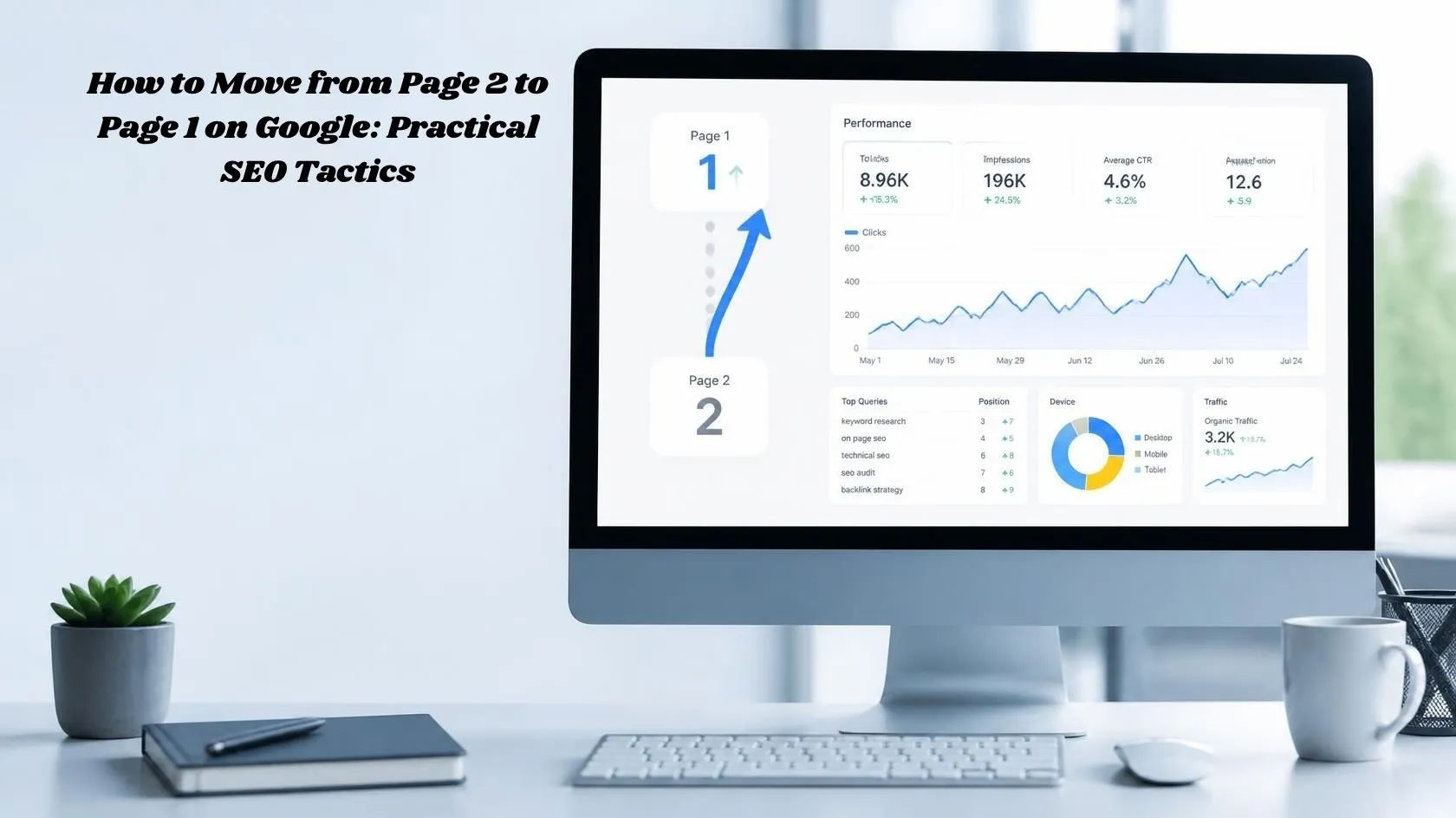
How to Move from Page 2 to Page 1 on Google: 9 SEO Tactics
If your page is ranking on page 2 of Google, you’re closer to page 1 than you might think. If your page ranks around positions 11–20 for an important query, you already have search visibility you can analyze and potentially improve. However, Search Console’s average position is an aggregated metric, so it should be treated as a starting point rather than a guarantee that the page is exactly on page 2 for every search.
The solution isn’t simply adding more keywords or making the article longer. You need to identify what Google users are looking for, compare your page with the results currently ranking above it, improve content gaps, strengthen internal links, and make the page more useful.
In this guide, you’ll learn how to move from page 2 to page 1 on Google using practical SEO tactics, including Google Search Console analysis, search-intent optimization, content updates, internal linking, title improvements, page experience, and relevant link building.
There is no guaranteed formula for reaching page 1 because rankings depend on the search query, competition, relevance, content quality, links, and many other factors. However, pages already ranking on page 2 can provide useful optimization opportunities because they already have some search visibility.
What Does a Page-2 Google Ranking Mean?
A page-2 ranking usually means your page is appearing somewhere around positions 11–20 for a particular search query.
For example, if your article ranks at position 14 for “how to improve Google rankings,” it already has visibility for that topic. Instead of starting from zero, you can investigate why other pages are ranking above it and improve your page accordingly.
The important thing is to avoid making random SEO changes.
First find the exact queries where your page is ranking on page 2. Then determine what users expect from those searches and compare your content with the pages already performing well.
Find Your Page-2 Keywords in Google Search Console
Google Search Console is one of the most useful tools for finding pages that may have room for improvement.
Open your property in Google Search Console and go to:
Performance → Search results
Turn on:
- Total clicks
- Total impressions
- Average CTR
- Average position
Then review the queries bringing impressions to your website.
Look for queries where your average position is roughly between 11 and 20. Treat this range as an optimization opportunity rather than a strict page-2 measurement, because Search Console reports an average position across impressions and the actual position can vary between searches. For a deeper explanation of average position and how to interpret positions 11–20, see our guide on how to improve average position in Google Search Console.
For example:
| Keyword | Average Position | Impressions | Opportunity |
|---|---|---|---|
| How to improve Google rankings | 14 | 850 | High |
| Page 2 to page 1 SEO | 17 | 420 | Medium |
| Improve keyword rankings | 23 | 190 | Lower |
These numbers are only examples. Your actual opportunities will depend on your site’s Search Console data.
When you find a promising query, click it in Search Console and check which page is receiving impressions.
Once you’ve selected the query, open the Pages tab to see which URL Google is showing for that search. This helps you identify the exact page that should be optimized instead of creating a new article unnecessarily. Google Search Console allows you to filter a query and then see the pages shown for that query.
That URL becomes your initial optimization target for that query.
What to Look For
Prioritize pages that have:
- Positions around 11–20
- Meaningful impressions
- Relevant search queries
- Existing clicks
- Content that can be improved
Don’t optimize every page at once. Start with a small group of pages where improvement is realistic.
If your page is indexed but still receiving very little search traffic, read our guide on why a website can be indexed but not getting traffic before creating new content.
Analyze the Google Results Ranking on Page 1
Before changing your article, search your target keyword on Google and study the pages already ranking on page 1.
Don’t just look at their word count.
Ask:
- What search intent are they targeting?
- What type of content are they publishing?
- Do they use step-by-step instructions?
- Do they provide examples?
- Do they include screenshots?
- How recently was the information updated?
- What questions do they answer?
- What important information does your page lack?
- Is their page easier to understand?
For example, if most of the results are practical guides with screenshots and examples while your article contains only general advice, adding more generic paragraphs probably won’t solve the problem.
Instead, make your page more useful and more closely aligned with what searchers need.
Match Your Content to Search Intent
Search intent is one of the most important things to examine when a page is stuck on page 2.
Someone searching:
“how to move from page 2 to page 1 on Google”
is probably looking for practical instructions.
They don’t just want a definition of SEO.
They want to know:
- Why their page is stuck on page 2
- How to identify the problem
- What to change
- How to use Search Console
- How to improve the content
- How to monitor the results
Make sure your article actually satisfies that intent.
If the search results are dominated by detailed tutorials, your article should provide a similarly useful experience rather than becoming a general introduction to SEO.
Run a Content Gap Analysis
After studying the top-ranking pages, look for useful information they cover that your article doesn’t.
You can organize your analysis into five areas.
1. Topics
Are competitors covering important subtopics that you missed?
2. Questions
What questions are users likely to have after reading the main topic?
3. Examples
Do competing pages provide examples, screenshots, case studies, or practical scenarios?
4. Practical Steps
Can readers actually follow your instructions and implement them?
5. Freshness
Are statistics, tools, screenshots, recommendations, or examples outdated?
The goal isn’t to copy competitors or make your article longer just for the sake of word count.
Add information that makes your page more useful.
Improve Your Title and Search Snippet
Your title is one of the first things users see in Google.
If your page receives impressions but relatively few clicks, review how the result appears in Google Search. A low CTR can be a sign that your title or description needs improvement, but it can also indicate that the page does not closely match the queries generating those impressions. Use Search Console data and the actual search results together before making changes.
For example:
Weak:
SEO Tips for Better Rankings
More specific:
How to Move from Page 2 to Page 1 on Google: 9 SEO Tactics
A useful title should clearly communicate what the page is about without stuffing multiple keyword variations into it.
Your meta description should also accurately summarize the page and encourage the right searcher to click.
Avoid making promises that the article cannot support.
If your impressions are increasing but clicks are not keeping pace, see our guide on Impressions Up, Clicks Flat for additional ways to diagnose CTR and search-result problems.
Strengthen Internal Links
Internal linking is another practical way to improve your site’s structure and help users discover related content.
Find relevant articles on your website and add natural links pointing to the page you’re trying to improve.
Use descriptive anchor text instead of generic phrases such as:
Click here
or
Read more
For example, if you have an article about Google Search Console average position, an appropriate anchor could be:
how to improve average position in Google Search Console
Only use an anchor when it naturally fits the surrounding sentence.
Don’t add dozens of internal links just to increase the number of links. Focus on relevance and usefulness.
Update and Improve Existing Content
If a page has been published for a long time, review it carefully before assuming it needs a completely new article.
Look for:
- Outdated statistics
- Broken links
- Old screenshots
- Outdated tools
- Missing information
- Weak explanations
- Questions that are no longer answered
- Sections that no longer match search intent
Don’t change the publication date just to make an old article appear fresh.
Make meaningful improvements to the actual content.
Add Original Examples and Useful Information
One way to make an SEO article more valuable is to show readers how the process works.
For example, explain a realistic scenario:
Suppose Google Search Console shows that one of your pages has an average position of 16 for a keyword receiving 500 monthly impressions. Instead of creating another article targeting the same topic, review the existing page and determine whether it fully satisfies the search intent.
Then show readers what to check:
- Title
- Introduction
- H2 and H3 coverage
- Search intent
- Content gaps
- Internal links
- Examples
- Images
- Page experience
This turns general SEO advice into an actionable process.
You can also learn how Google may understand individual sections of a page in our guide to Google Passage Ranking.
Don’t Optimize Every Page-2 Keyword
Not every keyword ranking between positions 11 and 20 is worth pursuing.
Before changing a page, check whether the query is closely related to the page’s main topic, whether it receives meaningful impressions, and whether the search intent matches what your page provides.
If the query is only loosely related, optimizing the page around it may create a poor experience for readers.
Focus on page-2 queries where the topic, search intent, and existing content are closely aligned.
Check Page Experience and Core Web Vitals
Content isn’t the only thing worth checking.
Review your page’s experience on both desktop and mobile.
Pay attention to:
- Loading performance
- Mobile usability
- Large images
- Layout shifts
- Intrusive pop-ups
- HTTPS
- Poor Core Web Vitals
You can use Google’s PageSpeed Insights and Search Console’s Core Web Vitals report to identify technical issues.
However, don’t assume that getting a perfect PageSpeed score will automatically move your page from position 15 to position 5.
Technical improvements are part of overall page quality, but rankings depend on many factors.
Build Relevant, Natural Backlinks
Relevant backlinks can help strengthen a site’s authority and discoverability, but link building shouldn’t become a numbers game.
Focus on legitimate opportunities such as:
- Industry publications
- Useful resource pages
- Digital PR
- Partnerships
- Relevant websites
- Genuine guest contributions
- Original research that others may want to reference
Avoid buying large quantities of low-quality links or participating in manipulative link schemes.
Monitor Your Results in Google Search Console
After making meaningful changes, continue monitoring the page.
Return to Google Search Console and watch:
- Impressions
- Clicks
- CTR
- Average position
- Search queries
Don’t judge the results based on one day’s movement. Also remember that Search Console’s average position is an aggregate metric, so don’t panic if the number moves up or down slightly from day to day. Look at trends across a meaningful date range and compare clicks and impressions alongside position. Google specifically recommends focusing on performance trends rather than position alone.
SEO performance can fluctuate, and different queries can move at different times.
Instead, compare performance over a reasonable period and look for sustained changes.
If impressions increase but clicks remain low, investigate the search-result appearance and whether the page matches the queries generating impressions.
If impressions and average position improve, continue monitoring before making another major change.
f your rankings remain stable but organic clicks decline, our guide on AI Overviews traffic drops explains another factor that can affect search traffic.
Page 2 to Page 1 SEO Checklist
Use this checklist whenever you’re optimizing a page that ranks around positions 11–20.
- Find the exact page-2 keywords in Google Search Console
- Identify the page ranking for each keyword
- Check search intent
- Analyze the top 10 Google results
- Compare content formats
- Identify content gaps
- Improve weak sections
- Add useful examples
- Improve the introduction
- Review H2 and H3 headings
- Improve the SEO title
- Write a relevant meta description
- Add relevant internal links
- Check external references
- Update outdated information
- Optimize images
- Check mobile usability
- Review Core Web Vitals
- Build relevant backlinks naturally
- Monitor the page in Search Console
Frequently Asked Questions
How long does it take to move from page 2 to page 1 on Google?
There is no fixed timeframe. A page can move at different speeds depending on competition, query demand, content quality, links, site history, and other factors.
Instead of expecting a specific number of days, monitor impressions, clicks, and average position in Google Search Console after making meaningful improvements.
What does it mean if my page ranks on page 2 of Google?
A page-2 ranking means your page is already appearing for the query, which gives you an existing visibility point to analyze. It doesn’t guarantee that the page will reach page 1, but it can help you identify specific optimization opportunities.
Should I add more keywords to move from page 2 to page 1?
Not necessarily.
Adding keywords without improving the usefulness of the page can make the content worse. Focus on search intent, topic coverage, helpful explanations, relevant examples, and natural language instead.
Should I create a new article if my existing page is ranking on page 2?
Not always.
If the existing page already targets the right topic and has useful search visibility, improving that page may make more sense than creating another article targeting the same query. Before creating another article, check whether you already have a page targeting the same search intent. Creating multiple pages around nearly identical topics can make it harder to decide which URL should serve the searcher.
Do backlinks help move a page from page 2 to page 1?
Relevant backlinks can contribute to a page’s authority, but no fixed number of backlinks guarantees a page-1 ranking. Focus on earning relevant, natural links rather than manipulating link quantity.
How do I find page-2 keywords in Google Search Console?
Go to the Performance report in Google Search Console and open the Queries tab. Review queries with meaningful impressions and average positions around 11–20, then select a query and open the Pages tab to identify which URL Google is showing. Use those pages as potential optimization opportunities rather than assuming every query needs a new article.
Final Thoughts
Moving from page 2 to page 1 on Google isn’t about finding one secret SEO trick. It starts with identifying why your page is currently ranking below the results you want to compete with.
Start with Google Search Console and find queries where your page is already appearing around positions 11–20. Then study the pages ranking above you, compare search intent, identify content gaps, improve the page, strengthen relevant internal links, update outdated information, and search result more compelling.
Don’t make changes simply to add more keywords. Every update should make the page more useful for the person searching.
After making substantial improvements, monitor impressions, clicks, CTR, and average position in Search Console. SEO changes can take time to be reflected in Google’s results, so evaluate the trend rather than expecting an immediate jump.
Page 2 isn’t the finish line. It can be a useful starting point for finding pages that already have search visibility and may benefit from focused optimization.